Confirm generation, storage space and a stable Wi-Fi connection before installing a player.
Fire TV Stick IPTV setup
Prepare your streaming stick for IPTV.
Follow simple app-install, sign-in and connection checks for a Fire TV Stick used with authorized streaming access.
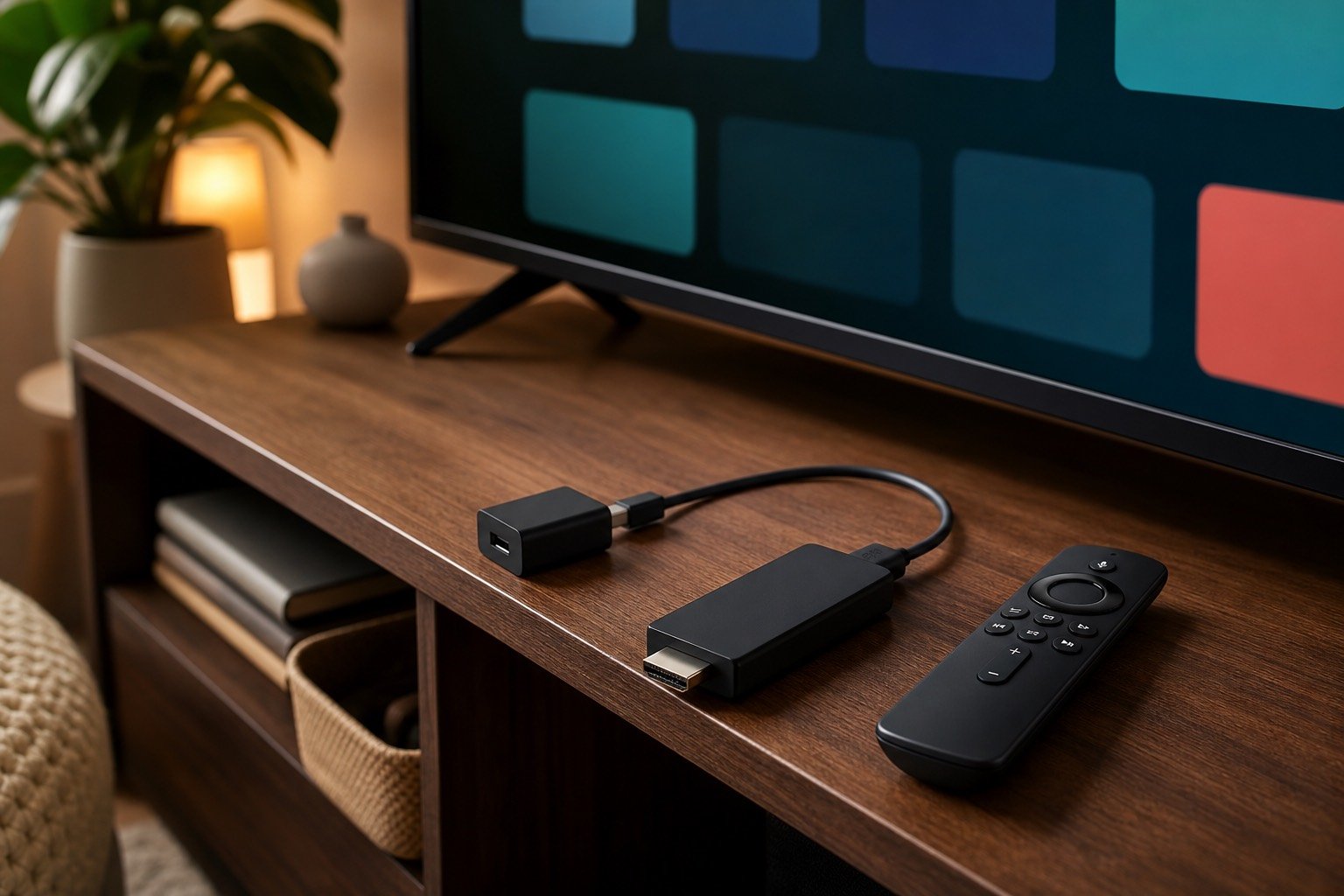
Prefer compatible apps available through official device channels whenever possible.
Keep the streaming stick cool, powered reliably and close to a strong network signal.
Prepare the Fire TV device
Install system updates, restart the streaming stick, and check available storage. A clean restart can resolve app loading issues before you enter any account details.
Find a compatible player
Look for an appropriate IPTV player for your device and region through trusted app channels. StreamFlex can explain supported login formats after you tell support which app you use.
Enter details privately
Sign in with the M3U or Xtream-style details supplied for your authorized account. Use the television screen privately and never send public screenshots containing credentials.
Troubleshoot buffering
Restart the router, reduce distance from the Wi-Fi access point or use compatible Ethernet hardware. Compare lower and higher quality playback while testing.
Fire TV Stick is a trademark of its owner and is referenced for compatibility guidance only. StreamFlex is not affiliated with Amazon or any device manufacturer.
Fire TV FAQ
Setup questions answered.
Can I use an IPTV player on a Fire TV Stick?
Compatible player apps may be available for Fire TV devices. Confirm official app availability for your model and location before activation.
How can I reduce buffering on a streaming stick?
Strengthen the network connection, restart router and device, close unused apps and compare stream quality levels while diagnosing playback.
Should I share my playlist link during troubleshooting?
Share activation details only in a private support conversation when necessary. Never post usernames, passwords or playlist URLs publicly.
Related guides
Set up another screen.
Device support
Tell us which Fire TV device you use.
Support can help you assess app compatibility and plan choices before activation.