⚽ FIFA World Cup 2026 is hereWatch every match live in 4K + 50,000 channels.Start free trial →
Best IPTV subscription & setup support
The best IPTV for the 2026 World Cup.
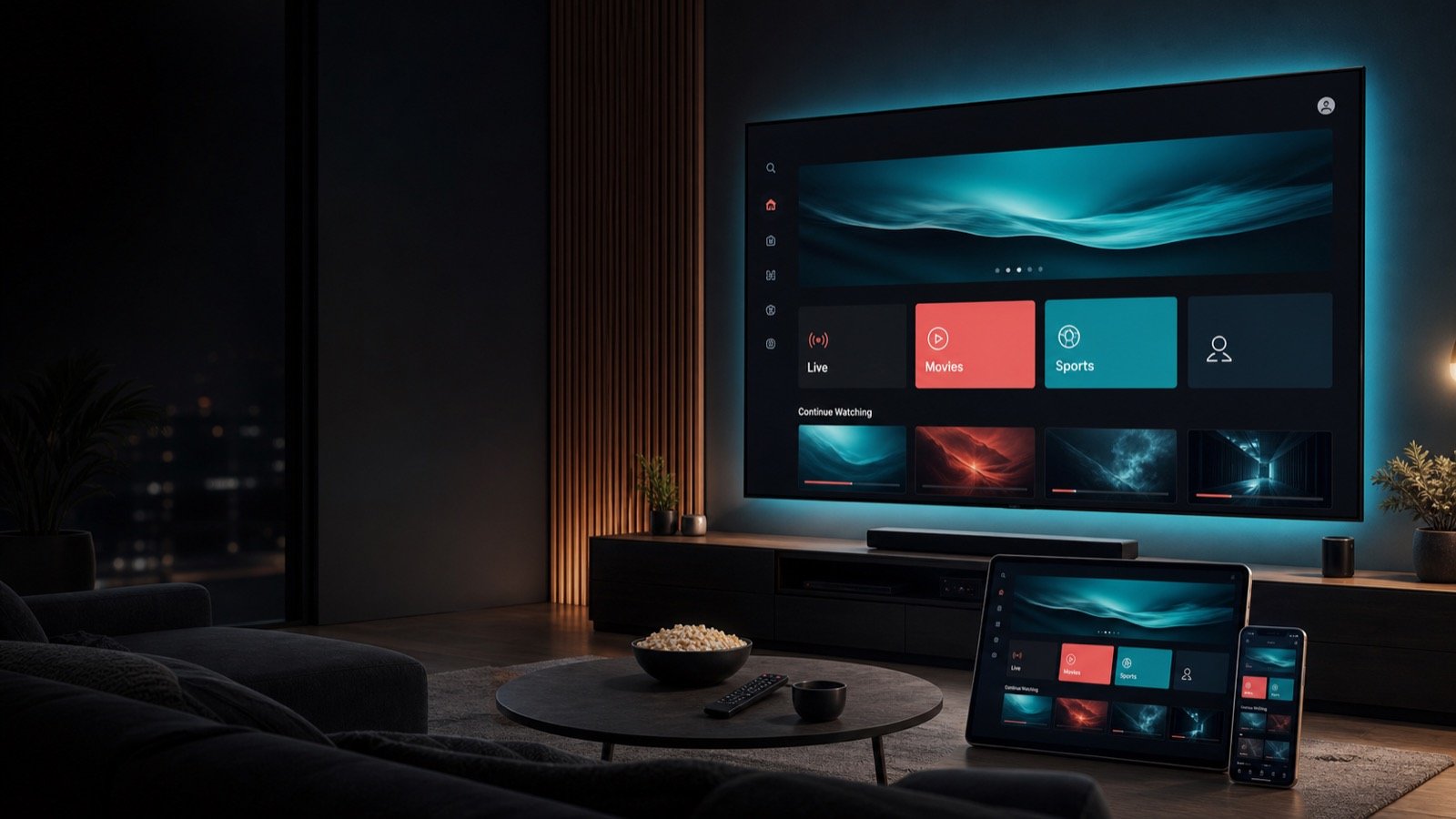
Stream 50,000+ live channels, 4K sports and every FIFA World Cup 2026 match, plus 250,000+ movies and series.
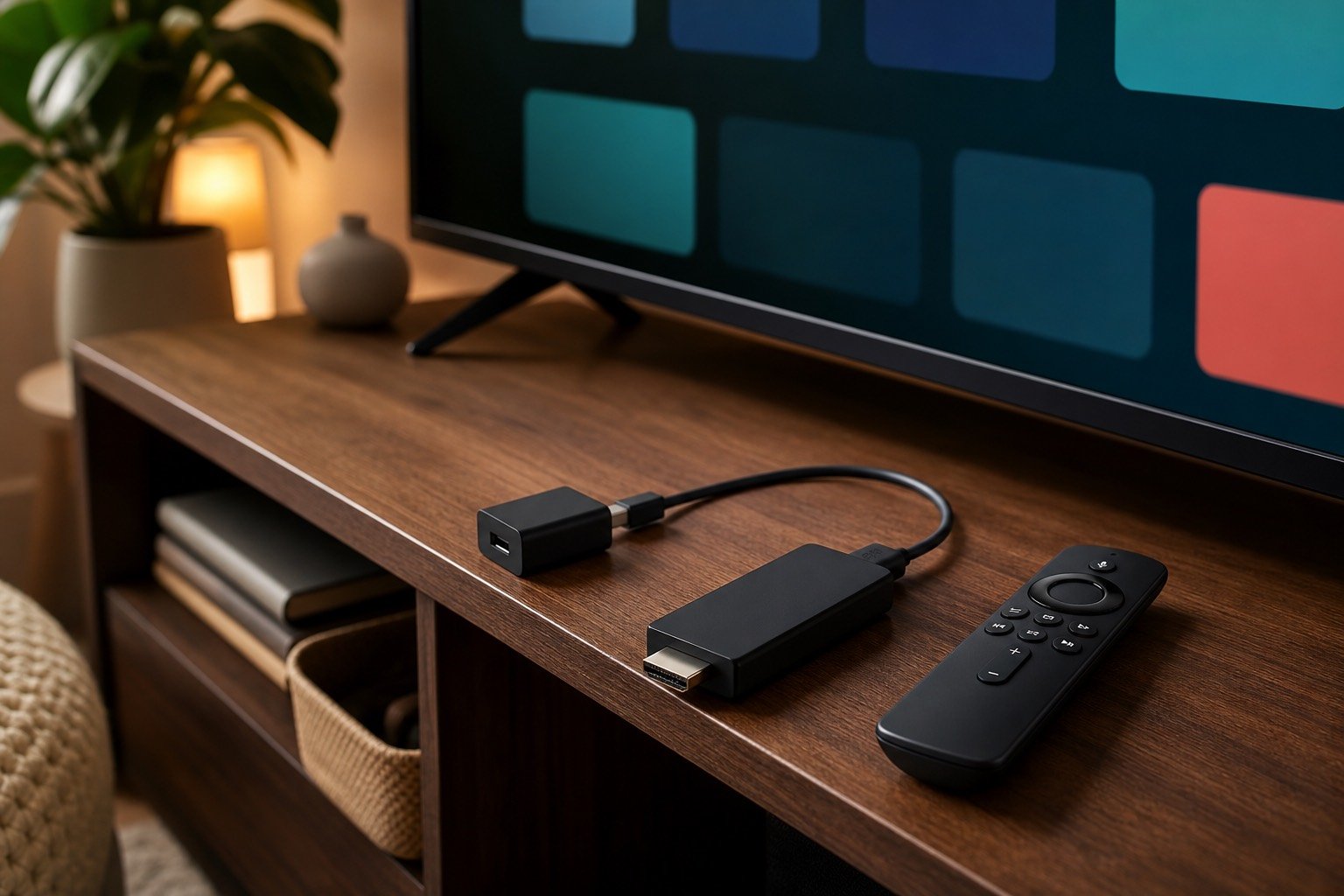
Works on Firestick, Smart TV, Android, Roku, iPhone and more — with real setup support.
Free trial available · No long contract · Activation in minutes
50K+
Live channels
250K+
Movies
50K+
Series
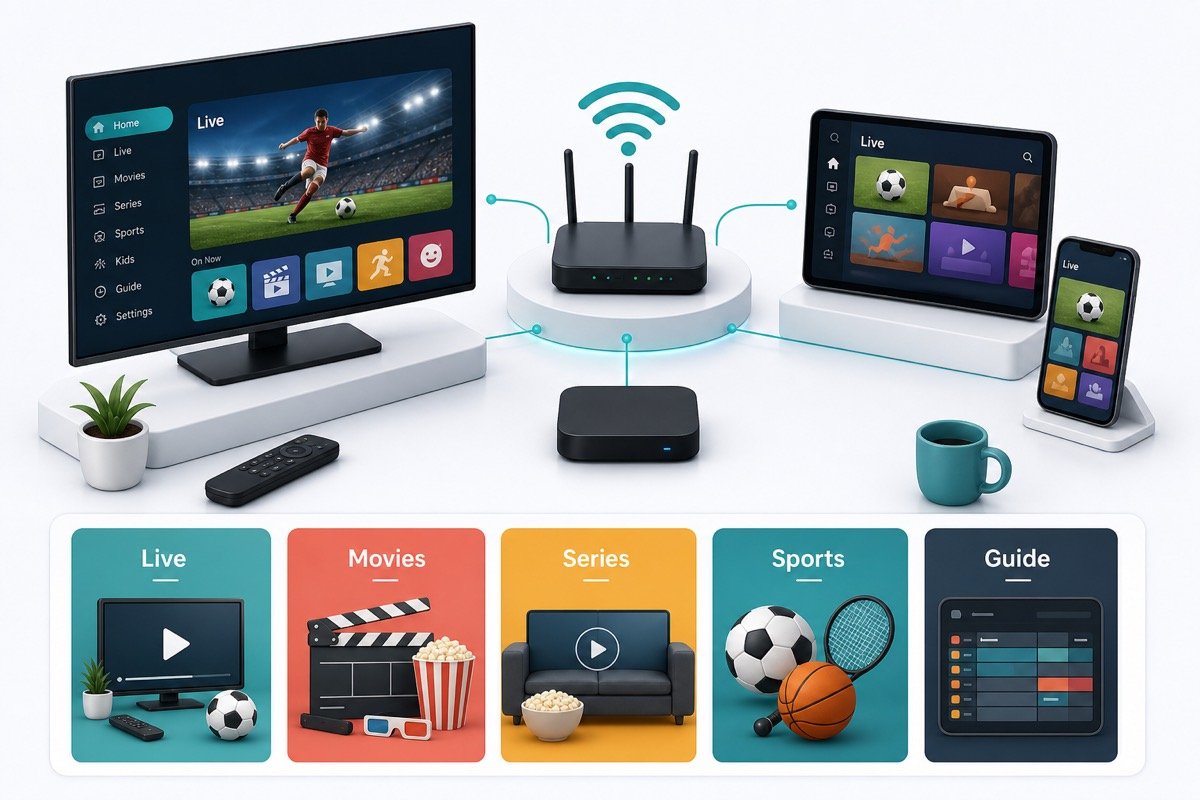
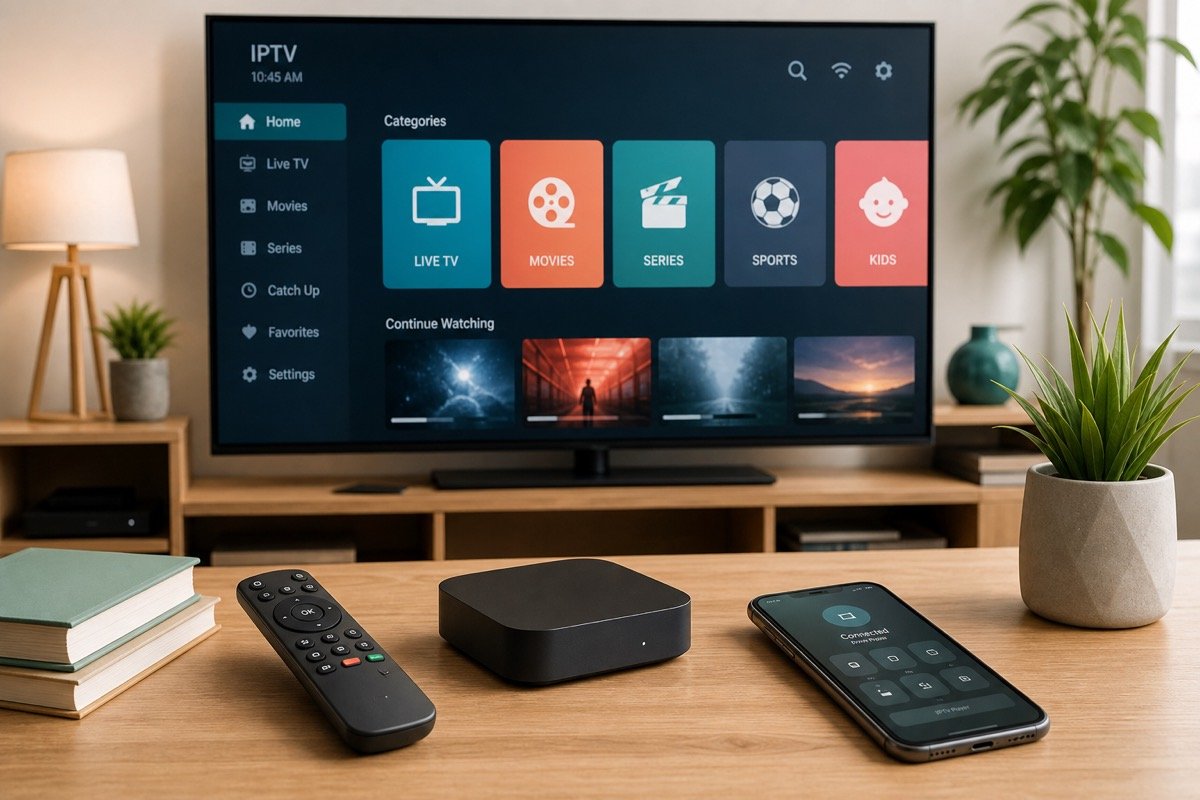
Compatible devicesSmart TVs, streaming boxes and mobile
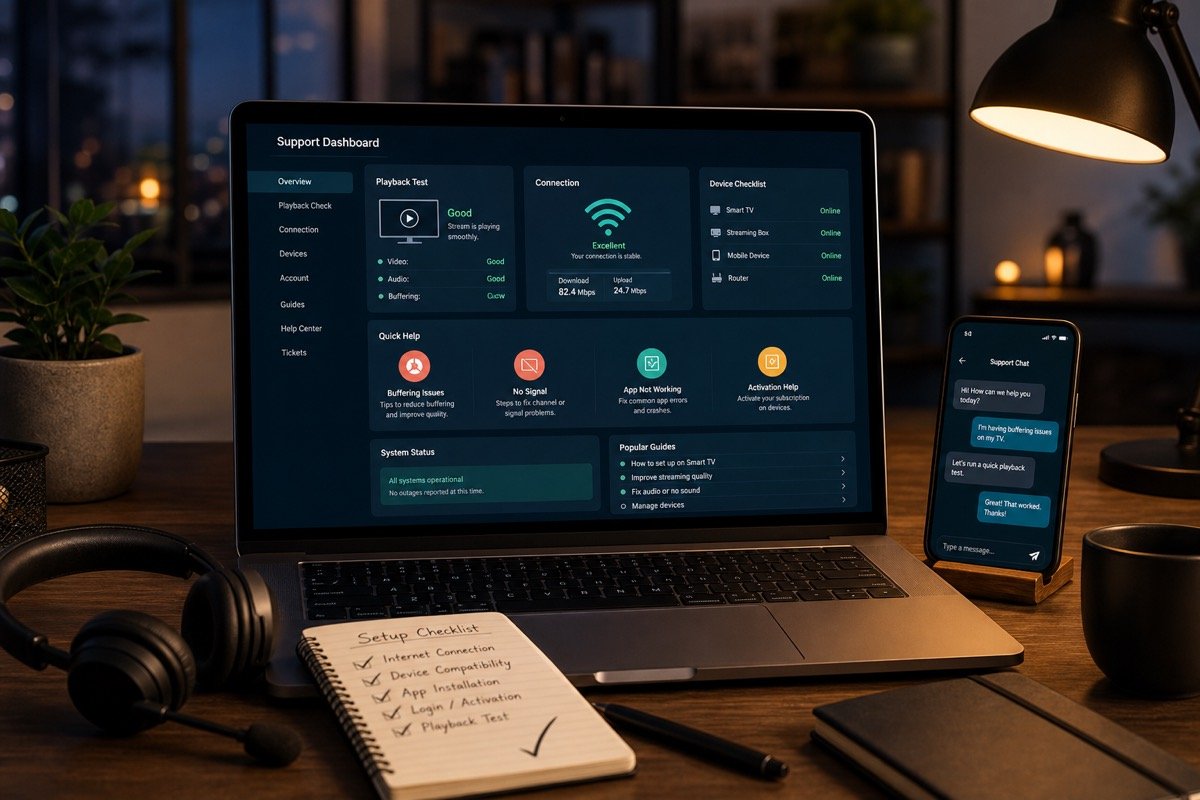
Private setup helpGuidance for login details and player apps
Clear expectationsLawful access and one-connection guidance
Human supportWhatsApp and email contact options
⚽ June 11 – July 19, 2026
Watch the FIFA World Cup 2026 live on IPTV.
All 104 matches across the USA, Canada and Mexico — streamed live in up to 4K on the device you already own.
StreamFlex carries the global sports channels that carry the tournament, including beIN Sports, ESPN, Fox Sports,
TNT, DAZN, Sky Sports and many international feeds, so you can follow every group, knockout and the final.
Simple activation, stable playback, and real setup help.
StreamFlex focuses on making IPTV easier to start and easier to keep working. You get guided activation,
compatibility advice, and responsive support for apps, playlists, and device settings.
The goal is not only to sell a streaming plan. The goal is to help you understand what an IPTV service needs:
a reliable internet connection, a compatible IPTV player, private activation details, and a support team that
can explain the difference between an app issue, a device issue, a router issue, and an account issue.
Plans
Choose your viewing tier and subscription length.
Every plan includes activation assistance and compatible-device guidance. Catalog totals may vary by availability and
authorized access in your location.
Every plan includes one connection by default. Add a multi-connection option to stream in different rooms at once — perfect for family viewing during the World Cup.
18+ notice: VIP, Premium and Ultra plans may include adult categories. Access is intended only
for adults and must comply with local laws and authorized-content requirements. Learn about the 18+ categories.
Channels & content
Live sports, movies, series and worldwide channels.
StreamFlex organizes 50,000+ live TV channels and 250,000+ movies and series into clean categories — live sports,
news, kids, entertainment, documentaries and international feeds — so the content you want is easy to find.
⚽ Football & soccer
World Cup 2026, Premier League, Champions League, La Liga, Serie A and more.
🏈 US & global leagues
NFL, NBA, MLB, NHL, UFC, boxing, F1 and motorsport coverage.
🎬 Movies & series
250K+ on-demand titles, box sets and the latest releases in HD/4K.
🌍 International TV
Arabic, Indian, Latino, UK, Canada, Korean, Japanese and more.
Channel and content availability varies by package, region and authorized access. Network names are listed only to
describe the type of content available. StreamFlex is not affiliated with these broadcasters unless clearly stated,
and customers are responsible for using content permitted in their location.
Experience
Everything organized for quick viewing.
StreamFlex helps you organize categories, test playback, and keep your account details easy to use across apps.
01
Fast activation
Get clear next steps after purchase, including app choice, login format, and first-playback checks.
02
Device guidance
Use Smart TVs, Android TV boxes, Fire TV devices, mobile phones, tablets, PCs, and IPTV player apps.
03
Support that speaks clearly
Receive practical help for buffering checks, playlist refreshes, app setup, and basic account questions.
Compatibility
Works with the screens you already own.
TV
Smart TVs
Samsung, LG, Android TV, Google TV, and other app-ready televisions.
BOX
Streaming Boxes
Android TV boxes, Fire TV devices, MAG-style devices, and set-top boxes.
APP
Mobile Apps
Android, iPhone, iPad, and tablet viewing through compatible IPTV player apps.
PC
Desktop
Windows and macOS playback with supported IPTV software and browser-friendly tools.
Device guides
Setup help made for your screen.
Choose your device for practical installation, login-format and troubleshooting guidance.
Test the channels, sports and playback quality on your own device before you choose a plan. Message us and we will
set up your trial and walk you through activation step by step.
★★★★★4.8 / 5 average ratingBased on customer feedback across WhatsApp & email support
★★★★★
"Set up on my Firestick in about ten minutes and watched the match in 4K with zero buffering. Support replied instantly on WhatsApp."
JMJames M. · Firestick user
★★★★★
"Got the free trial first to test the sports channels. The picture was sharp and the guide was easy to use on my Smart TV. Switched to the 12-month plan."
SKSara K. · Smart TV user
★★★★★
"Tons of channels and a massive movie library. They helped me load the M3U playlist on my Android box and set up the EPG. Great value."
DRDaniel R. · Android box user
Complete IPTV buyer guide
Everything to know before choosing an IPTV service.
This guide explains how StreamFlex IPTV setup support works, how to compare IPTV subscription plans, how to prepare
a Smart TV or streaming box, and how to reduce buffering before you contact support.
IPTV means internet protocol television. In simple language, it is a way to deliver television-style video
through an internet connection instead of through a traditional cable line, satellite dish, or antenna. A good
IPTV setup can feel familiar because it often organizes content into live TV categories, movie libraries, series
folders, favorites, catch-up areas, and program-guide screens. The difference is that your device receives the
stream through an app and an internet connection, so device compatibility, app configuration, router stability,
and account activation all matter.
StreamFlex is built around that practical reality. Many customers search for the best IPTV service, the best
IPTV subscription, IPTV for Smart TV, IPTV for Android TV, IPTV for Fire TV, M3U playlist setup, Xtream Codes
setup, IPTV app help, or IPTV buffering fixes. Those searches all point to the same need: people want a setup
that is simple enough to use after work, stable enough for family viewing, and clear enough that they do not
have to guess which login field or playlist format belongs in which app. StreamFlex gives you a cleaner path by
pairing plan guidance with setup support.
A responsible IPTV website should also be honest about lawful use. Internet streaming technology can be used in
many legitimate ways, including provider portals, private playlists, business training screens, hospitality
entertainment systems, education feeds, and subscription libraries. Customers are responsible for using content,
streams, and playlists that they are allowed to access in their location. StreamFlex does not claim affiliation
with broadcasters, studios, sports leagues, app stores, or device manufacturers unless that relationship is
clearly stated. That transparent language protects the customer and the brand while still giving visitors the
practical help they came for.
The most important thing to understand is that IPTV performance is not controlled by one single factor. A premium
IPTV plan can still perform poorly on a weak Wi-Fi network. A strong fiber connection can still buffer if the app
cache is full, the router is overloaded, or the wrong stream quality is selected. A Smart TV can be compatible
with one player app but not another. A phone can play well on mobile data while the television struggles because
the television is far from the router. StreamFlex support is designed to help customers separate those issues
calmly instead of replacing devices or changing apps blindly.
Plan selection works best when device type, internet speed, and viewing habits are considered together.
Plan selection
How to choose the right IPTV subscription plan
Choosing an IPTV subscription should start with how you actually watch, not with the longest list of features on
a sales page. Start with the catalog tier that fits your household: Normal for family-focused viewing, or an
age-restricted tier only for adult customers who request eligible 18+ categories. A three-month term provides a
shorter commitment, six months balances value and flexibility, and twelve months suits customers who already know
their device and player setup work well.
StreamFlex lists each tier with three simple plan lengths so you can compare prices without sorting through
unnecessary variations. Choose a catalog tier and term, share your device type, receive setup guidance, and test
playback on the screen you expect to use most.
Connection count is another important detail. A single connection typically means one active stream at a time,
even if you install the IPTV player on several devices. That is different from device installation. You might put
the app on a Smart TV, Android box, phone, tablet, and laptop, but a single-connection plan should not be expected
to stream on all of them at the same time. Customers who need simultaneous viewing in different rooms should ask
support about multi-connection options before ordering. This avoids account lock messages and prevents confusion
when the app says the maximum number of connections has been reached.
The best plan also depends on the quality you want to watch. Standard HD streams are easier on Wi-Fi, older
processors, and entry-level boxes. Full HD looks sharper but needs more stable bandwidth. 4K can be beautiful on
a large screen, but it asks more from your router, app, and device hardware. For many homes, the most reliable
everyday experience comes from choosing a stable HD or Full HD option for live viewing and saving 4K for devices
connected through Ethernet or close-range Wi-Fi. StreamFlex support can help you test this without overcomplicating
the setup.
Price is part of the decision, but support quality is often what decides whether customers stay. A cheap IPTV
subscription can become expensive if no one answers when your playlist needs refreshing or your app changes after
an update. StreamFlex is positioned around practical support: device compatibility, activation help, app setup,
playlist refreshes, favorites, category loading, buffering checks, and renewal assistance. Those services make
the plan easier to use because you have clear help when a device or app needs attention.
Device setup
IPTV setup for Smart TVs, Android TV, Fire TV, phones, tablets, and computers
Device setup is where most IPTV questions begin. Smart TVs are convenient because everything happens on one
screen, but app availability can vary by country, model year, and app store policy. Samsung and LG televisions
can be excellent for IPTV player apps when the right app is available and the television has enough memory.
Android TV and Google TV devices are flexible because their app ecosystem is broad and familiar. Fire TV-style
devices are popular because they are affordable, portable, and easy to connect to many televisions. Phones and
tablets are useful for testing login details quickly before setting up the main screen.
The first setup question is which login format your player needs. Some apps ask for an Xtream Codes style login,
which normally includes a username, password, and server URL. Other apps ask for an M3U playlist URL. Some set-top
boxes use a portal URL and may require a device identifier such as a MAC address. These formats are not the same,
so copying the right information into the right field matters. StreamFlex support can tell you which format is
most suitable for your device and player app.
The second setup question is where the device sits in your home. A television mounted far from the router may show
buffering even if your phone speed test looks good beside the router. A streaming box hidden behind a wall-mounted
TV can lose wireless signal. A crowded apartment building can have many nearby Wi-Fi networks competing for the
same channels. A device connected through a weak extension cable may restart or drop connection. Good IPTV setup
looks at these physical details because streaming quality is not only about the plan.
The third setup question is how comfortable you are with app settings. Some IPTV players include useful options
such as external player selection, EPG refresh, playlist reload, decoder mode, buffer size, parental controls,
subtitles, and favorites. You do not need to understand every setting on day one. Start with a simple setup, test
live TV and video-on-demand playback, save a few favorites, then adjust only what improves the experience. Too
many changes at once make troubleshooting harder.
StreamFlex also encourages customers to keep activation details private. Do not post screenshots of your username,
password, server address, portal, or playlist URL in public comments. Do not share login details with strangers
who claim they can fix your account. If you need help, send details only through the official StreamFlex contact
channels listed on the contact page. Treat IPTV login details with the same care you
would give to any paid digital subscription.
Good setup starts with the right player app, private activation details, and a stable device connection.
Performance
Internet speed, router quality, and buffering prevention
IPTV buffering usually has a cause, and the cause is often local. Before assuming an account problem, check the
basics: restart the player app, test a few different streams, restart the router, close apps running in the
background, and try a lower-quality stream. If one stream buffers but several other streams play well, the issue
may be limited to that source. If every stream buffers, the device, router, app, or connection deserves a closer
look.
Internet speed numbers should be treated as guidance, not a guarantee. HD IPTV playback is often comfortable from
around 15 Mbps when the connection is stable. Full HD can need more consistent bandwidth. 4K often needs 35 Mbps
or more with low packet loss, low jitter, and a router that can keep up. The word stable matters. A connection
that jumps from 80 Mbps to 5 Mbps every few seconds can feel worse than a steady 25 Mbps connection. IPTV playback
likes consistency.
Wi-Fi quality can change from room to room. Thick walls, mirrors, metal shelves, microwaves, Bluetooth speakers,
baby monitors, and neighbor networks can all affect wireless performance. If your television or streaming box has
an Ethernet port, a wired connection is usually the simplest improvement. If wiring is not possible, move the
router higher, keep it in the open, avoid hiding the streaming device behind heavy furniture, and consider a mesh
system for larger homes. Small improvements in placement can make IPTV feel much more reliable.
App maintenance also matters. Clear the player app cache when categories stop loading correctly. Refresh the
playlist after activation or renewal. Keep the app updated when the official store offers updates. Restart the
device after major app changes. If an app becomes unstable after an update, ask support whether another player is
a better fit for your device. Different IPTV apps handle buffering, guide data, categories, and video decoding in
different ways.
A helpful troubleshooting habit is to test one variable at a time. Try the same account on a phone using the same
Wi-Fi. Then try mobile data if your plan allows it. Try the television near the router if possible. Try a different
player app only after you record what happened in the first app. This gives support useful information and avoids
a long back-and-forth. When you contact StreamFlex, include device model, app name, internet speed, whether other
devices work, and whether the problem affects one category or every category.
Activation
How StreamFlex activation support works
StreamFlex activation is designed to be direct. Choose a plan, send your device type, confirm the best setup
format, and receive the details needed for your compatible IPTV player. The account may use a playlist URL,
Xtream-style login, or portal-style setup depending on your device and app. The support goal is to give you
enough guidance to start watching without forcing you to search random tutorials or guess settings.
After activation, test the service on the device you plan to use most. Open the app, let categories load fully,
test live TV, test one movie or series item, open the guide if your app supports it, and save a few favorites.
If something does not load, take note of the exact error message. "Not working" is hard to troubleshoot. "The
app says login failed," "the playlist loaded but movies are empty," or "live TV plays but the guide is blank"
gives support a much faster starting point.
Renewal support is also part of the customer experience. Keep your order date, plan length, and contact method
easy to find. Renew before the account expires if you want to avoid interruption. If you move to a new device,
ask whether your app or activation format should change. If your router, internet provider, or country changes,
test playback early rather than waiting until an important event. The best streaming experience is prepared
before the moment you need it.
Customers sometimes ask whether they can install the same account on multiple devices. Installation and active
streaming are different. You may be able to install a player and save your details on several screens, but the
plan connection count controls how many can stream at the same time. If you need living room viewing, bedroom
viewing, and mobile viewing at the same time, ask support about a multi-connection setup. Clear expectations are
better than interruptions.
Support is faster when you share device type, player app, connection details, and the exact error message.
Troubleshooting
Common IPTV problems and what to check first
If the app says login failed, start by checking spacing, capitalization, and the server URL. A copied space at
the end of a username or password can break activation. If the app uses an M3U URL, make sure the full link was
copied, including symbols. If the app uses portal setup, confirm that the portal address belongs in the portal
field and not in an M3U field. Many login issues are format issues, not account issues.
If the playlist loads but categories are empty, refresh the playlist inside the app, restart the app, and check
whether the account was newly activated. Some apps need time to build category lists. If live TV loads but video
on demand does not, or movies load but series do not, mention that split behavior when you contact support. It
helps narrow the issue. If only the electronic program guide is missing, the stream can still work while guide
data is refreshed or reloaded.
If playback buffers, compare streams instead of judging the whole account from one channel or one title. Test a
different category, then a different quality level, then another device. If your phone plays well on the same Wi-Fi
but your Smart TV buffers, the issue may be the television app, Wi-Fi antenna, memory, or distance from the router.
If every device buffers at the same time, check your internet provider, router load, or household bandwidth use.
If the app closes, freezes, or restarts, the issue is often local to that app or device. Clear cache, restart the
device, remove apps you do not use, and make sure storage is not full. Older Smart TVs can be slower than modern
streaming boxes even when the screen still looks great. In some cases, adding a dedicated streaming device is a
better long-term solution than forcing an older television app to do everything.
If your account says maximum connections reached, close the app on other devices and wait a few minutes. Some
apps keep a session alive briefly after you exit. Avoid sharing your account with friends because their device
can block your own viewing. If you need more simultaneous streams, upgrade the connection count instead of trying
to reuse one active connection in multiple places.
Buyer education
IPTV glossary for new customers
New IPTV customers often see technical words before anyone explains them. An M3U playlist is usually a link that
tells a compatible IPTV player where to load categories and streams. Xtream Codes is a common login style that
uses a server URL, username, and password inside a player app. A portal URL is often used by set-top boxes and
portal-style devices. EPG means electronic program guide, which is the schedule-style view that shows program
names and times when the app and account support guide data. VOD means video on demand, which usually refers to
movie and series libraries rather than live channels.
A playlist refresh tells the app to reload categories from the account. A cache clear removes temporary app data
that may be stale or broken. A decoder setting changes how the app processes video. An external player is a
separate playback engine that some IPTV apps can use when their built-in player struggles with a specific stream.
A connection means an active stream, not simply an installed device. When support uses these words, they are not
trying to make the service sound complicated. They are naming the parts of the setup so the right fix can be
applied quickly.
A useful service page should focus on setup support, plan length, compatibility, and lawful use. Exact content
availability can change, and customers should always use authorized streams and subscriptions. A provider that
explains activation, support, and device setup clearly is easier to evaluate than one relying on sweeping
availability promises.
If you are comparing IPTV websites, look for clear contact options, realistic plan descriptions, policy pages,
secure payment expectations, device guidance, refund language, and support instructions. Be careful with pages
that rely only on copied logos, huge unverified claims, or no customer support path. A dependable provider makes
it easy to understand the service, choose a plan, solve common problems, and reach a support channel when help
is needed.
The best StreamFlex customer is prepared before activation. They know the main device they want to use, understand
whether they need one active connection or more, have a stable internet connection, and are ready to follow the
setup guide. That preparation makes activation smoother and makes support faster. If you are unsure about any of
those points, message StreamFlex before ordering. A quick compatibility check can save time and help you choose
the right IPTV subscription length for your home.
Trust and safe use
Responsible IPTV use and customer protection
A serious IPTV website should be careful with claims. StreamFlex avoids using real channel logos, studio artwork,
sports league marks, celebrity images, and copyrighted posters in the website design. The service page focuses on
setup, plan selection, support, and viewing experience instead of implying ownership of third-party brands. This
makes expectations clearer and reduces the risk of confusing visitors.
Customers should also protect their own privacy. Do not send activation details through public comments or social
media posts. Do not publish screenshots that reveal account details. Do not reuse a personal password from another
account if an IPTV app asks you to create one. Do not install unknown apps from random links if an official app
store version is available. If a website, message, or stranger asks you for payment details, personal documents,
or private account credentials in a suspicious way, stop and contact StreamFlex through the official links on this
website.
Safe use also means understanding the policies for refunds, support, and renewals before ordering. Digital
services are different from physical products because activation can happen quickly. Read the
refund policy, review the terms of service, and contact
support before ordering if you are not sure whether your device is compatible. A few questions before purchase
can prevent frustration later.
StreamFlex includes setup guidance, troubleshooting advice, plan comparisons, compatibility notes, and legal-use
reminders so visitors can make an informed decision before activation. If you need assistance with an IPTV player,
a Smart TV setup, an M3U playlist, an Xtream-style login, buffering checks, or renewal support, contact the team
with your device type and the issue you are seeing.
Helpful links
Official device resources and StreamFlex pages
The links below are included to help customers understand device setup and app installation from official sources.
Availability can vary by country, device model, and app store policies, so use them as general references rather
than promises that a specific IPTV player will be available on every device.
Can I watch the FIFA World Cup 2026 on StreamFlex?
Yes. StreamFlex carries the live sports channels that broadcast the World Cup 2026, so you can stream every match
in up to 4K on Firestick, Smart TV, Android, Roku or mobile. Activate before the June 11 kickoff to test playback in advance.
Is there a free IPTV trial?
Yes. Message us on WhatsApp and we will set up a free trial so you can test the channels, sports and playback
quality on your own device before choosing a plan.
Which devices work — Firestick, Roku, Smart TV?
StreamFlex works on Amazon Firestick, Smart TVs (Samsung, LG, Android TV, Google TV), Roku, Android boxes, MAG
devices, iPhone, iPad, Android phones and Windows or Mac via a compatible IPTV player. We provide step-by-step setup guides for each.
Do I need a VPN for IPTV?
A VPN is optional. Some customers use a VPN for privacy, but it is not required to activate or watch. If a VPN
causes buffering, try disabling it or choosing a closer server.
Is StreamFlex a legal IPTV service?
StreamFlex is built for customers using lawful content access. Customers are responsible for using
subscriptions and playlists permitted in their location.
How fast is activation?
Most accounts are prepared quickly after payment confirmation and device details are received. Timing can vary
during busy support periods.
Can I use more than one device?
You can install apps on multiple devices, but each plan is listed as one active connection unless a multi-connection
option is arranged.
Which plans include adult categories?
VIP, Premium and Ultra may include age-restricted categories for adult customers only. Request access only if you
are 18 or older and the content is permitted in your location.
What internet speed do I need?
HD playback is usually comfortable from 15 Mbps, while 4K streams often need 35 Mbps or better with a stable router.
Do you provide refunds?
Refunds depend on activation status and service issues. Review the refund policy before ordering.
Worldwide coverage
IPTV by country & language.
StreamFlex serves customers across the USA, Canada, UK, Australia, Europe and the MENA region — with support in multiple languages.